Add a code snippet action to a bot
When creating or editing a bot, you can add a code snippet by clicking the + icon to add an action as you normally would. From the action selection panel, click Run a code snippet.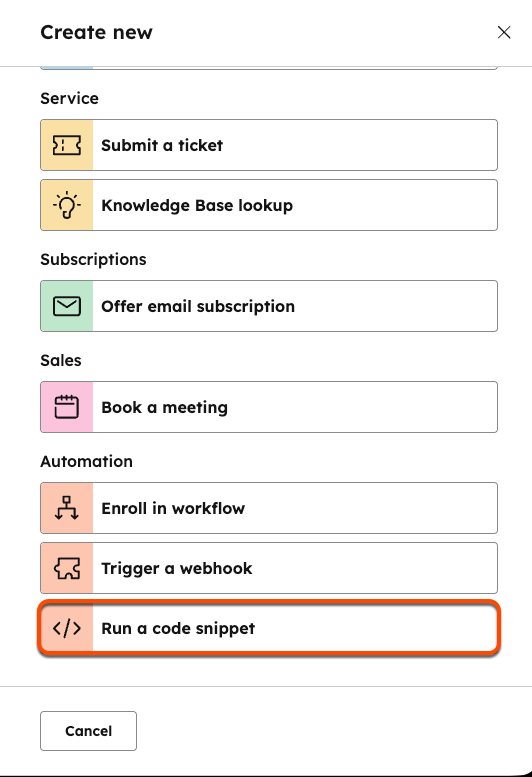
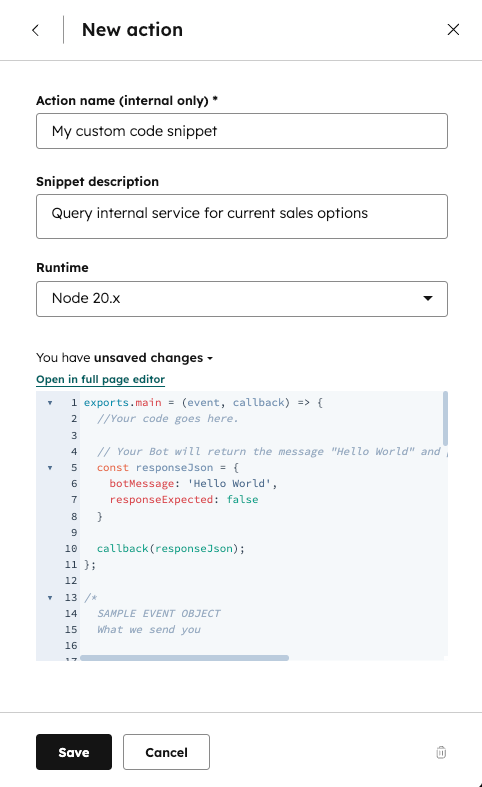
- The
exports.main()function is called when the code snippet action is executed. - The
eventargument is an object containing details for the visitor and chat session. - The
callback()function is used to pass data back to the bot and user. It should be called in theexports.mainfunction.
event object contains the following properties:
The code block provides an example
event object for a contact who was chatting with a bot.
callback() function is used to send data back to the bot. The argument should be an object containing the following data:
Limitations
Code snippets in bots are subject to the following limits:- For snippets created prior to August 1st, 2025, code snippets must finish running within 20 seconds. Any snippets created after August 1st, 2025 must finish running within 45 seconds.
- Code snippets can only use up to 128 MB of memory.
Available libraries
It’s highly recommended you use the Node.js v24 runtime for security purposes. Both previous versions (v18 and v20) will no longer be supported starting August 31, 2026. The code block below provides version information for the libraries available to import into your snippet, specified using thenpm semver convention.
require() function at the top of your code.
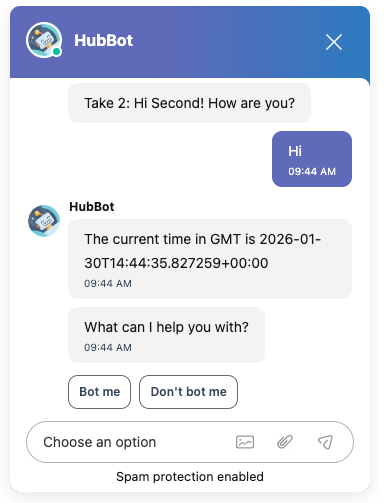
For example, the code block below imports the axios library and makes a request to the time.now API, then displays the current time in GMT.