
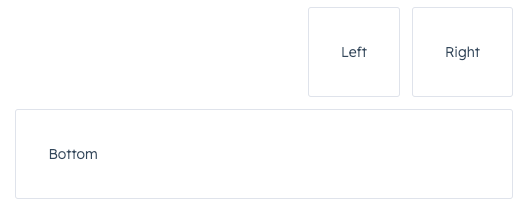
Flex component renders an empty div container set to display=flex. When wrapped around other components, it enables those child components to be arranged using props. Flex can contain other Flex or Box components.
To see an example of how Flex and Box can be used for layout, check out HubSpot’s Manage layouts: Flex and Box sample project.
Props
| Prop | Type | Description |
|---|---|---|
align | ||
alignSelf | ||
children | ||
direction | ||
gap | ||
justify | ||
testId | ||
wrap |
Usage examples
Horizontal layout
To arrange components horizontally, setdirection to row. Then, use justify to configure the horizontal distribution. By default, components will stretch across the container if justify is not specified.
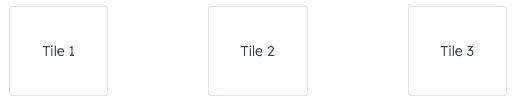 |
justify={‘between’} |
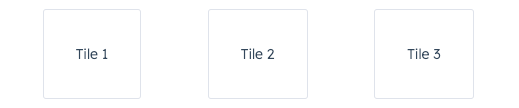 |
justify={‘around’} |
 |
justify={‘start’} |
 |
justify={‘center’} |
 |
justify={‘end’} |
Wrap
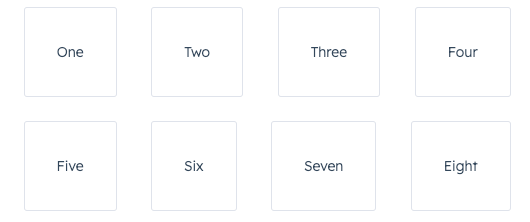
By default, components in arow will be arranged on one line when possible. Use the wrap prop to wrap components onto new lines when needed.
Vertical layout
To arrange components vertically, set direction tocolumn, then use the align prop to distribute them. By default, components will stretch across the extension container width when align is not specified.
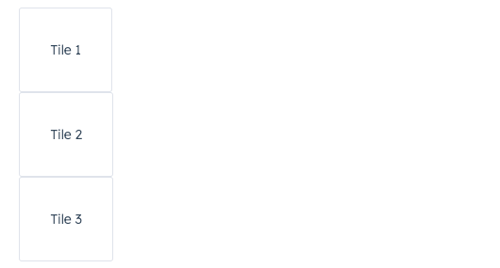 |
align={‘start’} |
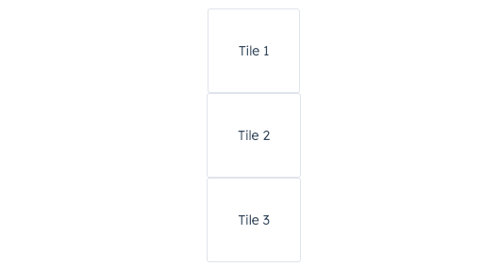 |
align={‘center’} |
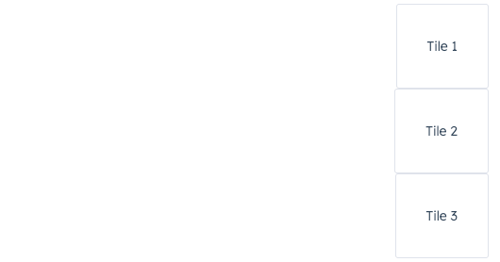 |
align={‘end’} |
Spacing
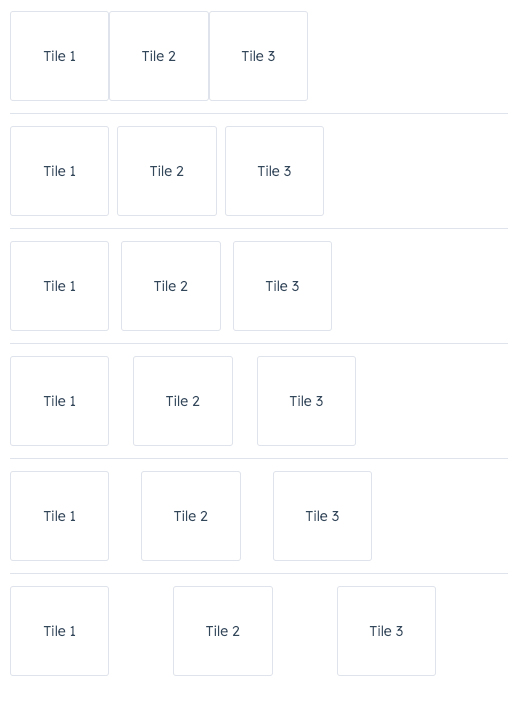
In theFlex component, you can use the gap prop to apply even spacing between the tiles. This prop will apply spacing equally for both row and column directions.
Using Flex in Flex
You can wrap childFlex components with Flex to set more specific rules for individual components. A child Flex component will not inherit props specified in the parent Flex component, so you’ll need to repeat any props you’ve previously defined to maintain them.